.e6819346.png&w=256&q=75)
Why use it?
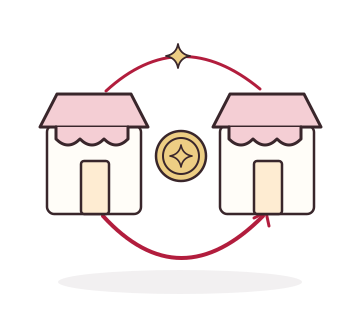
Create a connection between complementary stores without sharing customer lists or treating points as cash settlement
How it works
Your role as a merchant
- Discover another Skakir store and establish a partnership
- Agree on a point exchange rate with the partner
- Review the partnership balance-of-trade dashboard, and end the partnership when needed
Your customer’s experience
- A customer sends eligible points to another customer at a partner store
- The agreed exchange rate determines the transferred value
- The recipient discovers another store through the shared points
What can you control?
- Partner store selection
- Mutually agreed exchange rate
- Partnership reporting and ending a partnership
What to know before using it
- Welcome, gifted, and wheel points cannot transfer to partner stores
- This is customer-to-customer sharing across partnered stores, not unrestricted movement of all points
- Partnership reporting does not imply automatic cash settlement or shared access to customer lists
Good questions. Clear answers
Is Community a merchant discussion group?
Here, Community means store partnerships and eligible cross-store customer point transfers
Can I end a partnership?
Yes. Merchants can view partnership reporting and end a partnership
Setup and usage guide
Email us with the feature name and your question so we can help you find the right information